





















THE CREATOR AND HIS BACKGROUND

StoreFluence AI was developed by Akshat Gupta, a digital entrepreneur who has spent considerable time creating tools for AI, automation, and online business growth. He is known for launching software that brings several useful features into a single platform, helping users save time and avoid juggling too many separate tools.
Akshat has also released other AI-based products, including ManyAgents AI, ToonBook AI, and SynthWave AI. These tools typically focus on content creation, automation, and digital workflows for marketers, creators, and online business owners.
With StoreFluence AI, he moves into a more eCommerce-focused direction. This time, the tool centers on AI video influencers, product promotion, and online store creation. His experience matters because he already understands what many online sellers and marketers often struggle with: creating content, promoting products, and setting up systems without spending too much time or money.
Overall, Akshat GuptaaddsStoreFluence AI to his lineup of AI tools, this time giving users a way to create influencer-style product videos and manage an online store from one place.
StoreFluence AI Core Features
With StoreFluence AI, users get access to tools for creating lifelike AI influencers, producing short product videos, exporting content to major platforms, and setting up a store that can support online selling.
✅ Hyper-Realistic AI Video Influencer Generator
StoreFluence AI lets you create male and female AI influencers with realistic faces, expressions, and poses. These digital influencers can help present your products without hiring models, signing contracts, or paying ongoing influencer fees.
✅ Image-to-Video Magic
You can upload a product image and turn it into a video featuring an AI influencer holding, displaying, or promoting the item. This feature helps turn a simple product photo into short-form promotional content.
✅ DFY AI Influencers Library
The app includes a library of ready-made AI video influencers. You can choose an influencer, pair them with your product, and create marketing content without starting from scratch.
✅ AI Prompt Suggestion Generator
StoreFluence AI also helps with prompts. You can type a basic idea, and the tool suggests stronger prompts for creating AI influencer videos.
✅ Multi-Platform Video Export
After creating your video, you can download it and post it across popular platforms such as TikTok, Instagram Reels, YouTube Shorts, Facebook Ads, and LinkedIn. This gives you content that fits different traffic and sales channels.
✅ Built-In Self-Updating Store
StoreFluence AI includes a functional eCommerce store with pre-designed templates, product pages, checkout, and payment integration. You do not need coding skills or a separate hosting setup to get started.
✅ Commercial License Included
The commercial license allows you to sell AI influencer videos and product videos to clients. You can offer these videos as a service and keep the profits.
✅ No Monthly Subscriptions
StoreFluence AI comes with a one-time payment model. You pay once and can continue using the tool without monthly subscription fees.
✅ 30-Day Money-Back Guarantee
The product includes a 30-day money-back guarantee, so users can try it with less risk.
✅ 100% Refund Assurance
StoreFluence AI also promises a full refund when the product does not deliver as described, with no questions asked.
On top of that, the app users can discover several more interesting features, such as:
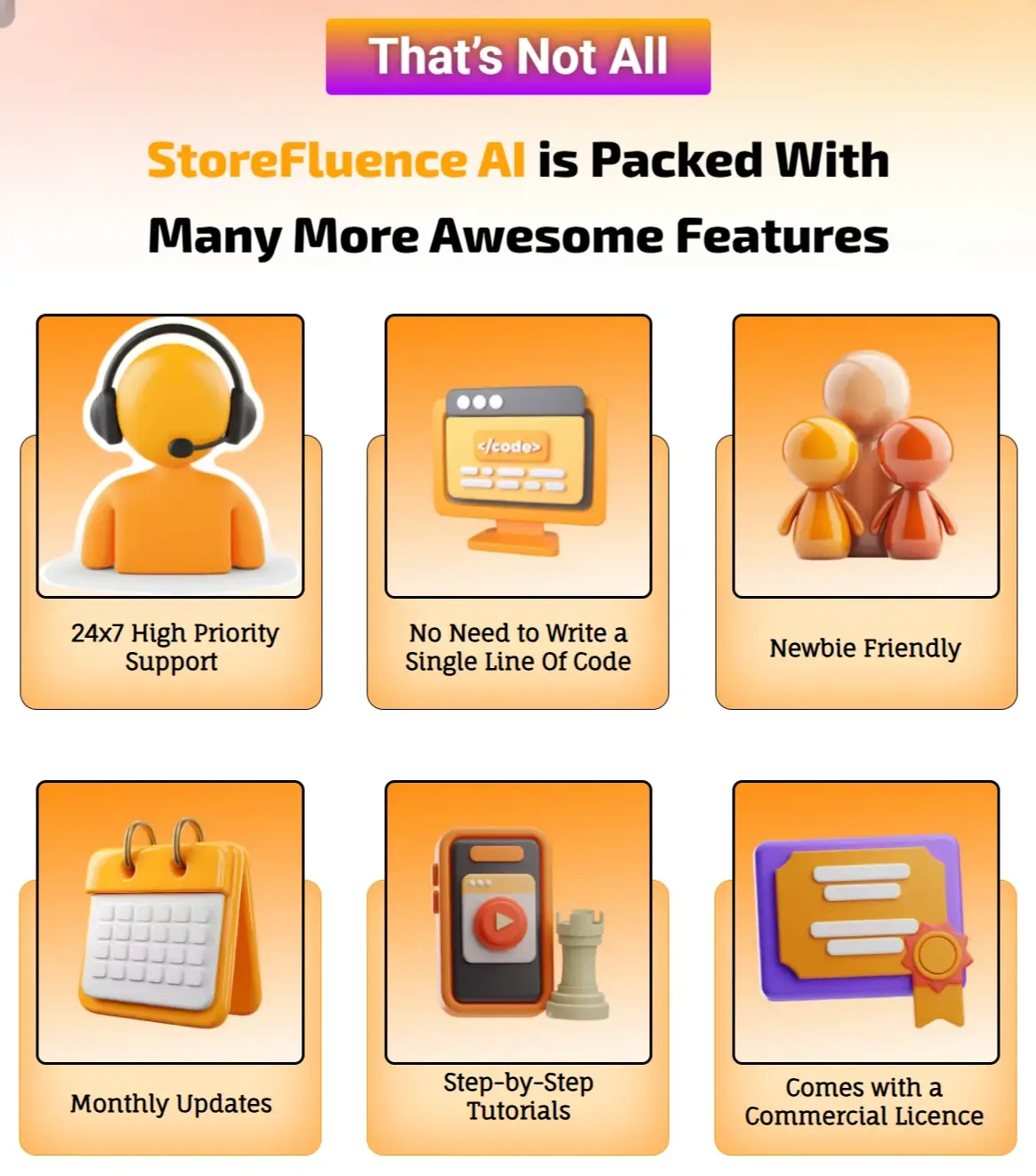
Purchase StoreFluence AI today so that you can get these powerful bonuses:
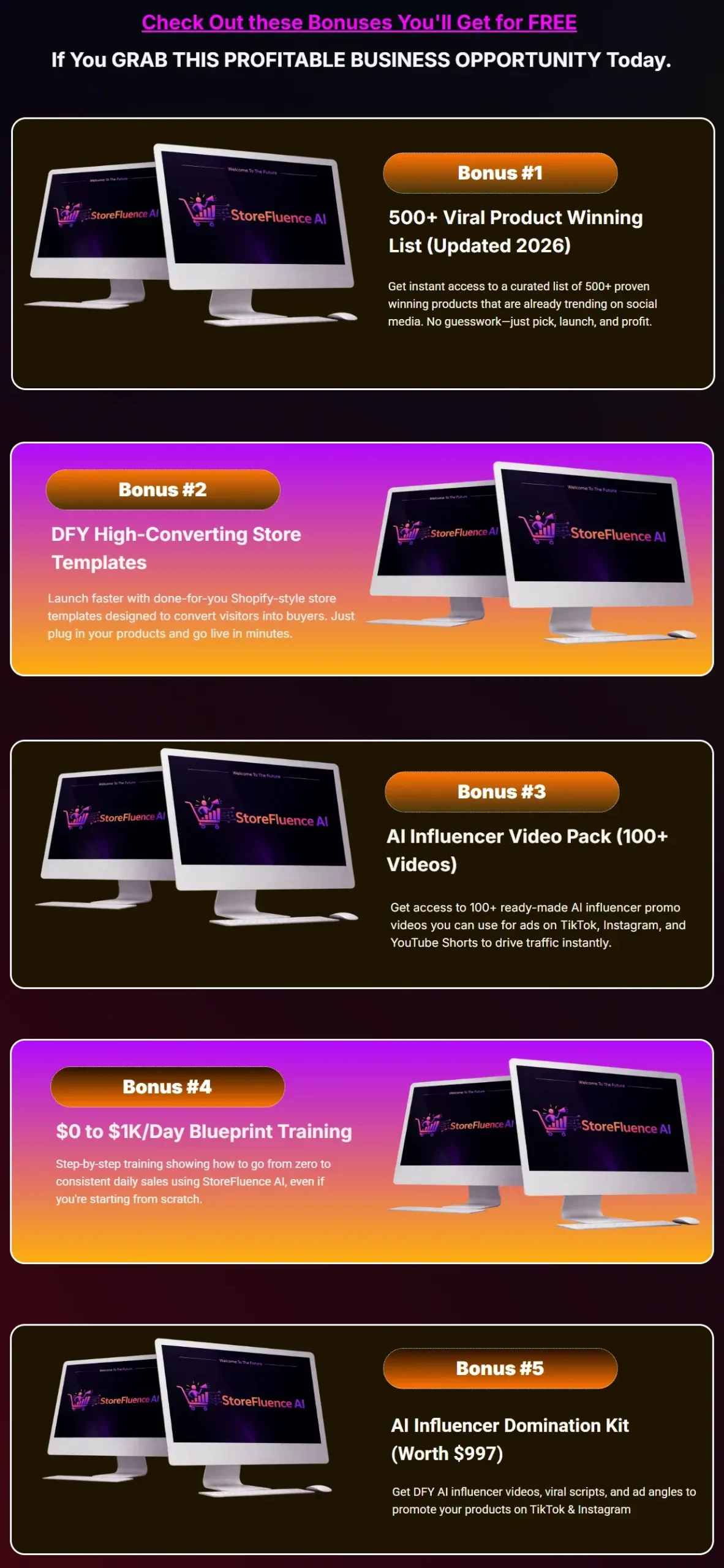

Add my code “STORE35” to get35% Offany items in the funnel.
How This App Operates
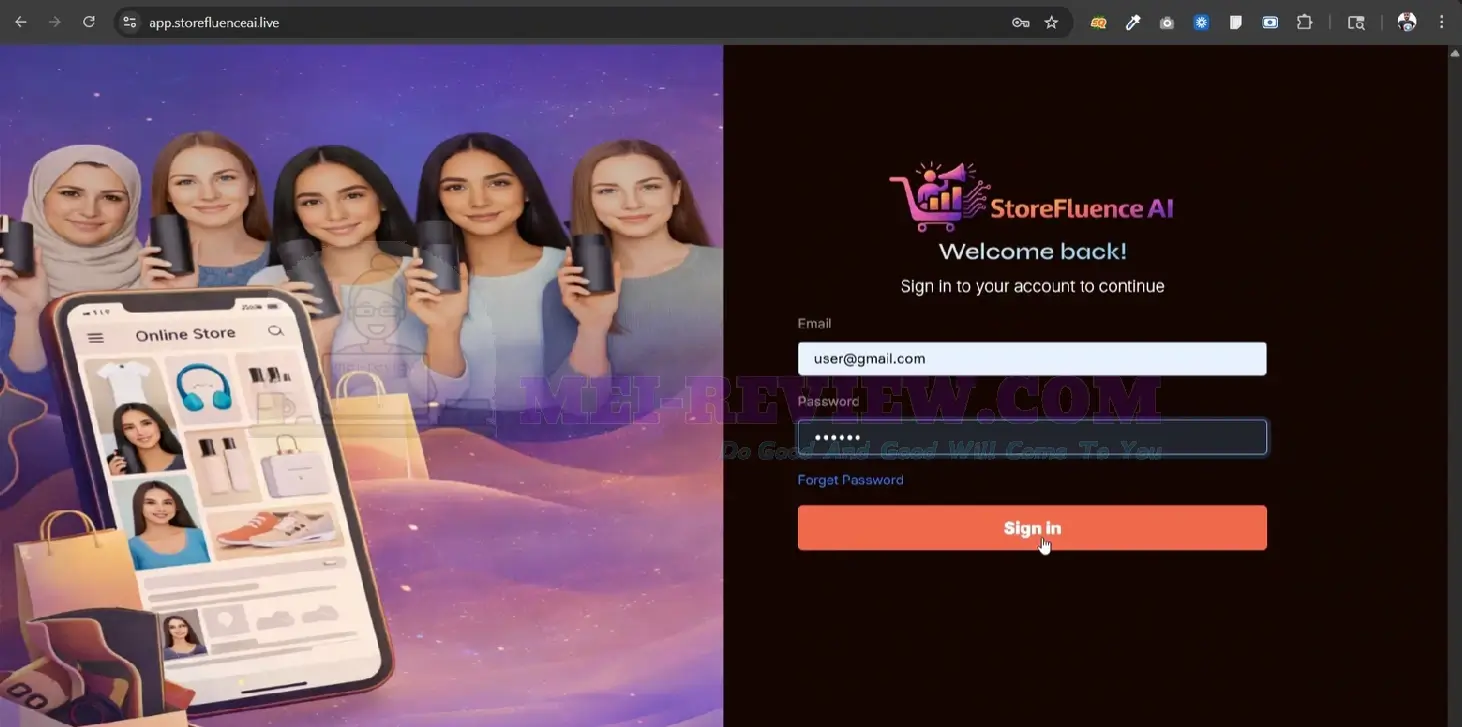
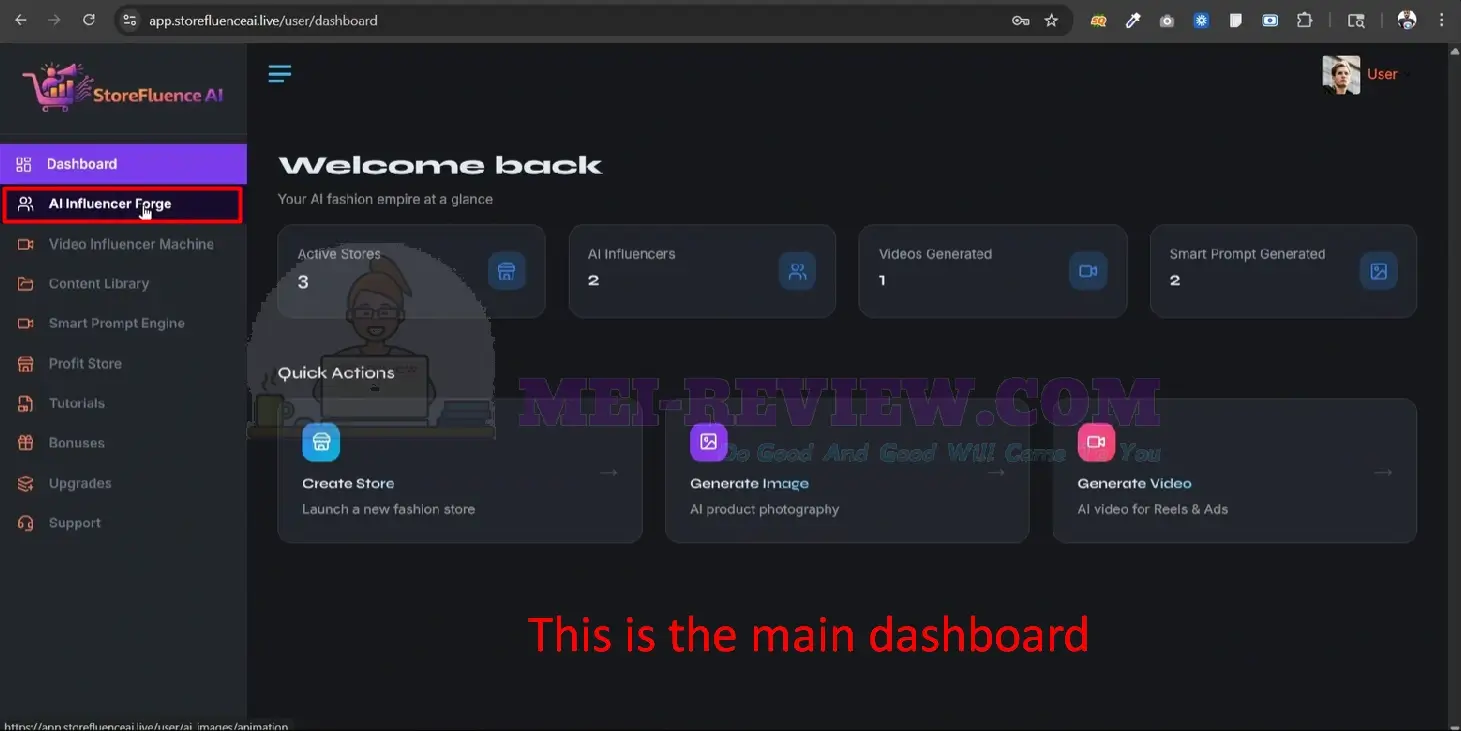
Now, let’s see how StoreFluence AI works. Start by logging into your personal account. Once you are inside, you will see the main dashboard. From the menu on the left, select “AI Influencer Forge”:
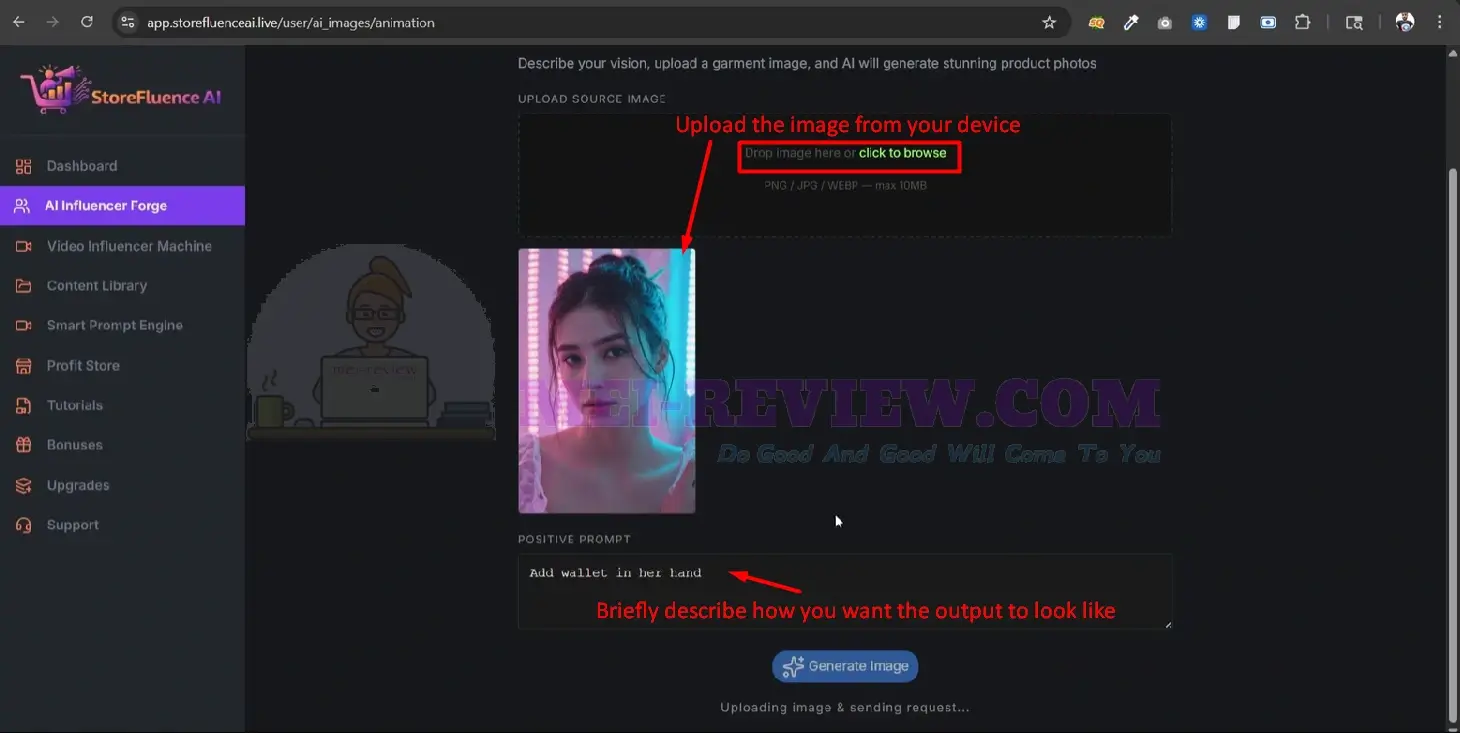
Next, upload an image from your device. Then, describe the result you want StoreFluence AI to create. After adding your prompt, click “Generate Image”:
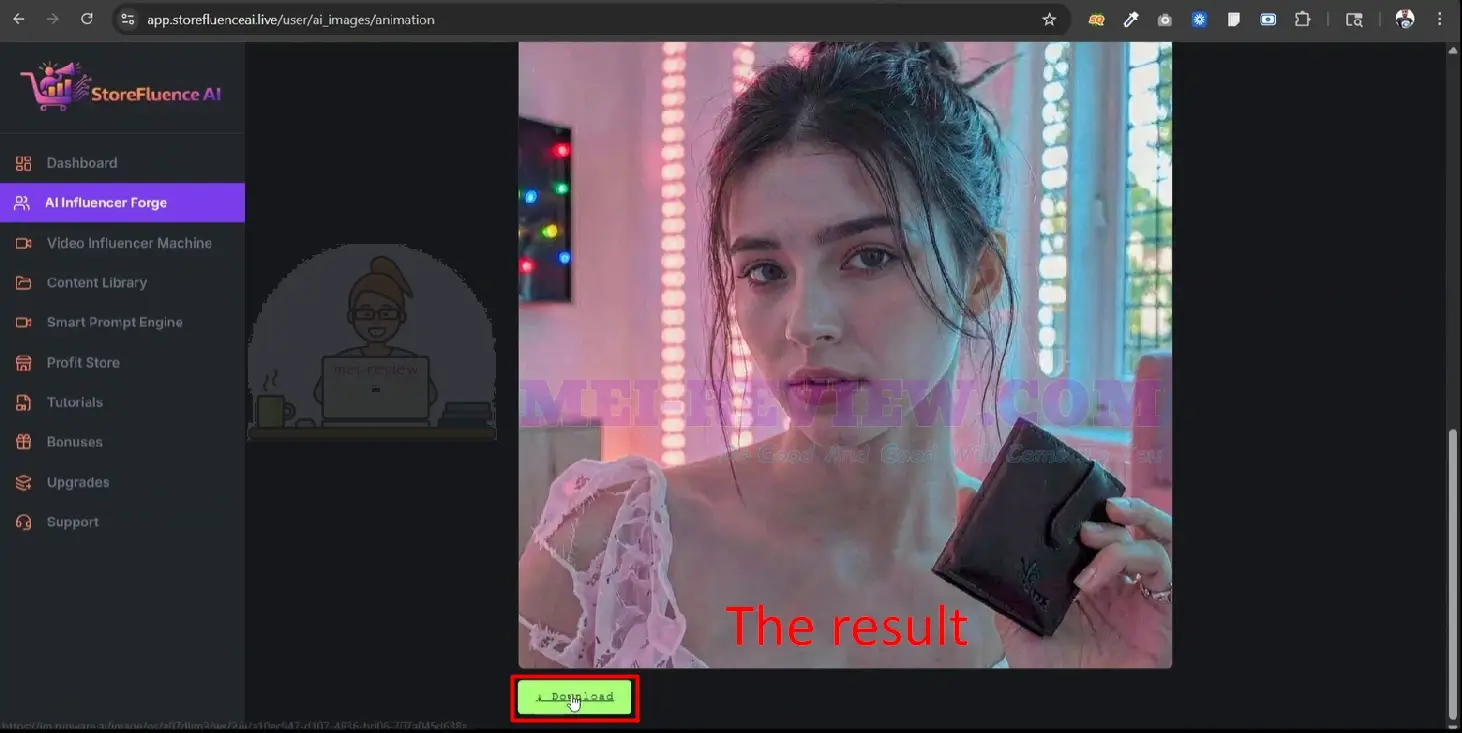
Within a few seconds, the app will create a realistic image based on your instructions. Once the result appears, you can click “Download” to save it directly to your device:
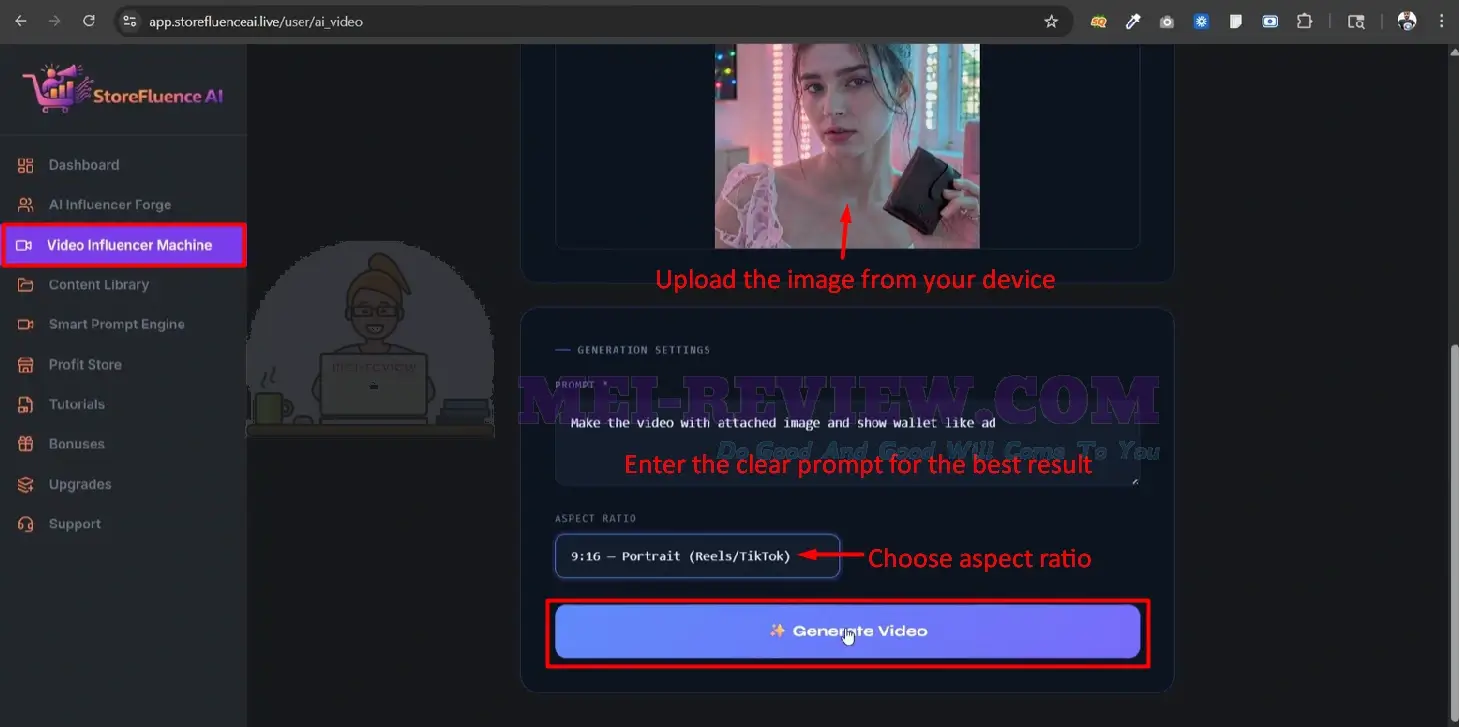
To create a video, go back to the tools list and choose “Video Influencer Machine”. Upload an image from your device. This can be an existing image or one you just created with StoreFluence AI:
After that, enter a clear prompt so the app understands the exact video style, message, and product promotion angle you want. Then, choose your preferred aspect ratio and click “Generate Video“:
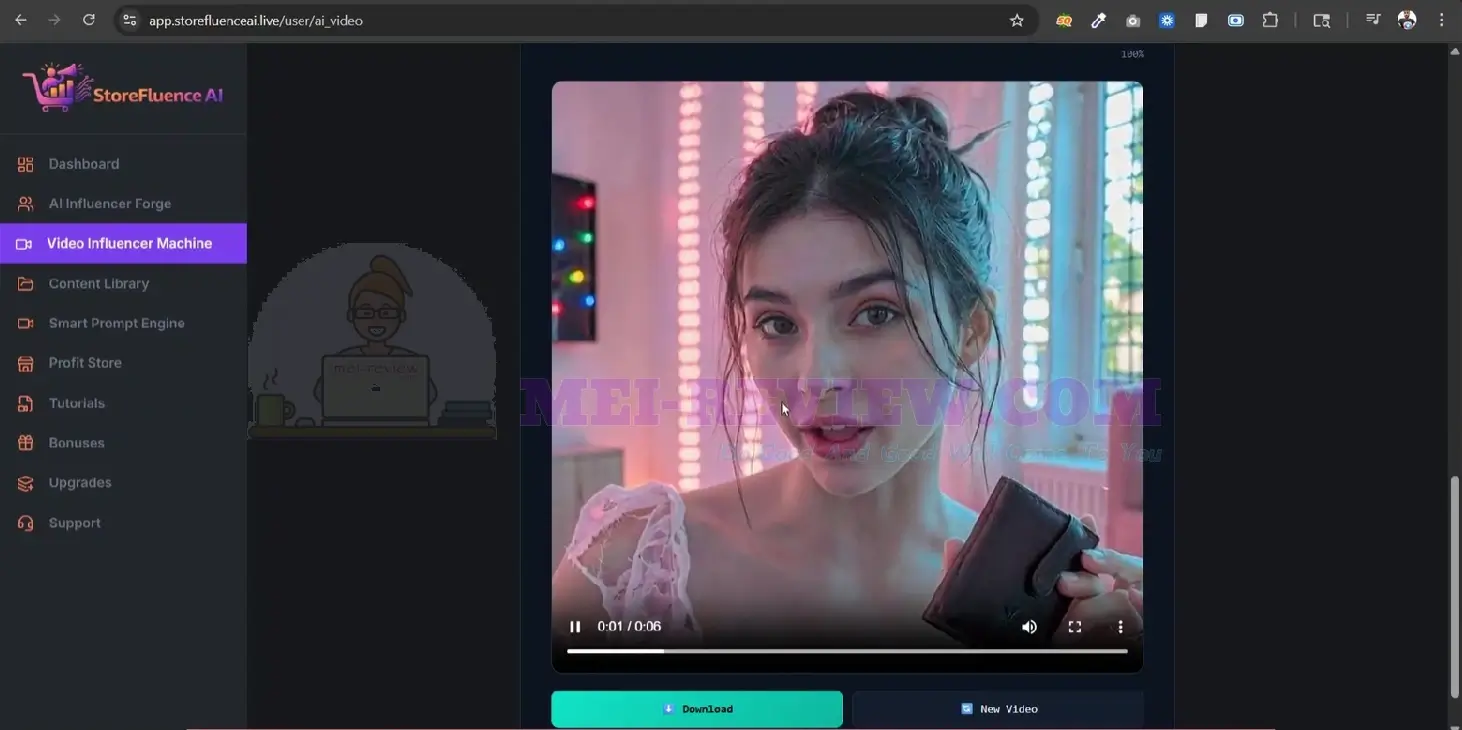
After several minutes, StoreFluence AI will produce a human-like AI influencer video with voice, ready to promote your product:
StoreFluence AI Demo Video


















